
n8n: workflow automation without code – and with code
With n8n you can connect your CRM, email, webshop and an AI model in minutes. We show what it is good for, when to run your own instance and what to watch out for in operations.
Every company has repetitive, tedious tasks: copying data from one system to another, sending notifications, updating spreadsheets, forwarding incoming emails. n8n is a workflow automation platform that lets you automate these tasks visually by connecting "boxes".
How does it work?
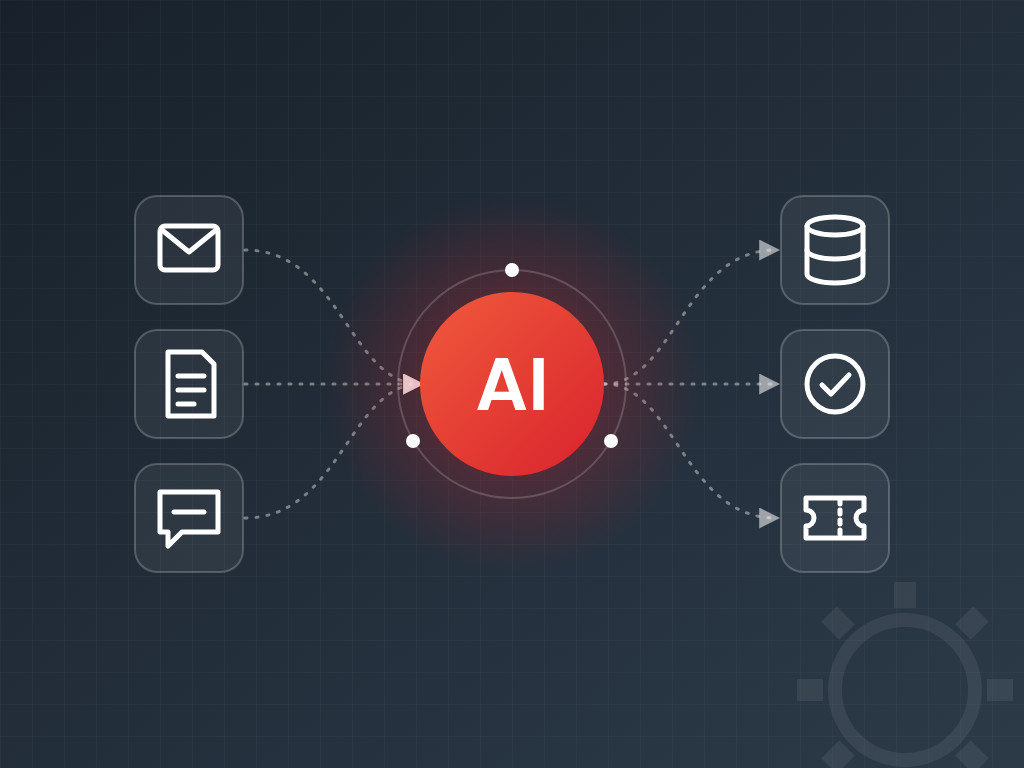
In n8n a workflow consists of nodes. Every workflow starts with a trigger – a schedule, an incoming email, a webhook or a new row in a spreadsheet – and the data then flows from node to node, where it can be transformed, filtered and sent to other systems.
Hundreds of built-in integrations are available (Gmail, Microsoft 365, Slack, HubSpot, Google Sheets, databases, e-commerce platforms), and where there is no ready-made node, any API can be reached with a generic HTTP request. When the visual tools are not enough, you can write any logic in a JavaScript or Python code node – which is why we say n8n works "without code and with code".
AI in your workflows
One of n8n's strongest areas is AI integration. Built-in nodes call language models and let you build AI agents that use tools to carry out tasks on their own. Some typical examples:
- Categorising and summarising incoming emails, then routing them to the right team.
- Extracting data from invoice PDFs and recording it in the accounting system.
- Qualifying leads from a web form and adding them to the CRM.
- Drafting support replies based on the internal knowledge base (RAG).
- Compiling a weekly report from several systems and posting it to Teams or Slack.
Cloud or self-hosted n8n?
n8n is available as the vendor's cloud service and can also run on your own server (self-hosted). Arguments for your own instance:
- Data protection: data and system credentials stay in an environment you control.
- Access to internal systems: databases and applications on your internal network can be reached directly.
- Predictable costs: pricing does not depend on the number of executions.
A self-hosted instance comes at a price, though: someone has to take care of updates, backups, security and monitoring. It is also worth reviewing the licence terms, because n8n is not released under a classic open-source licence but under the vendor's own "fair-code" licence.
Operational best practices
- Run it with PostgreSQL and back up the database and the encryption key regularly – without the key, stored credentials cannot be restored.
- Make it available only over HTTPS with strong passwords and two-factor authentication; ideally do not expose the editor to the public internet.
- Protect webhooks with a secret token or signature verification.
- Keep workflows under version control and test changes before going live.
- Set up an error workflow that alerts you when an automation fails.
Good automation goes unnoticed – until it breaks. That is why monitoring and alerting are not optional.
Where to start?
List your team's 3–5 most common manual, repetitive tasks and estimate how much time they take each week. Usually one or two of them can be automated in a few days, and the time freed up quickly builds momentum for the next steps.